
Timeline: Dec 2025 – Jan 2026 (feature on hold)
Aug 2026 – Oct 2026 (V0 and V1 shipped)





Why this was hard
Three constraints made this more than just a calendar UI.
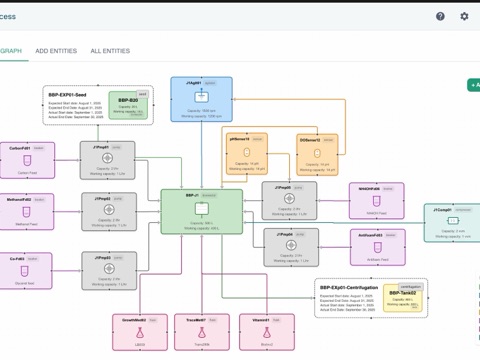
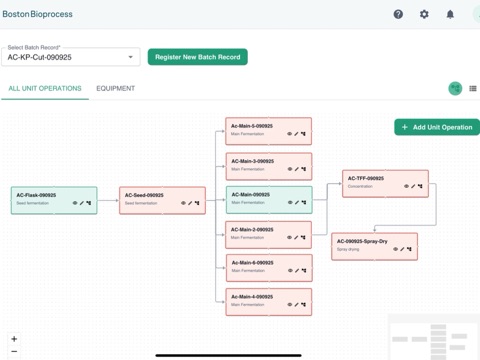
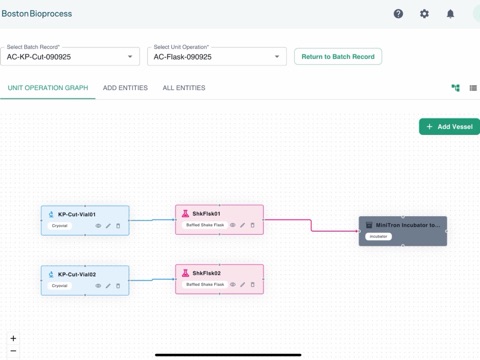
- Many hands, one run. Designers, operators, and leads all touch the same run from different parts of Yanta. A change made in one place has to show up correctly everywhere else. Otherwise, every new screen becomes another disconnected source of truth.
- Equipment and people plan differently. Equipment is tracked by type, model, or individual unit. People are booked in four slots a day, while a vessel is reserved longer than the step it serves because cleaning isn't a documented step.
- The easy fix would recreate the problem. A standalone planning calendar was the quick win, but it would have just been another spreadsheet with a nicer UI. The harder path was making planning write to the same record the lab executes and audits, without making the planning phase slow or rigid.
Key design decisions
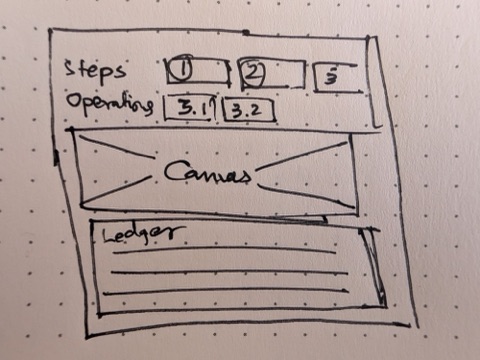
The board is a lens that tightens as plans firm up
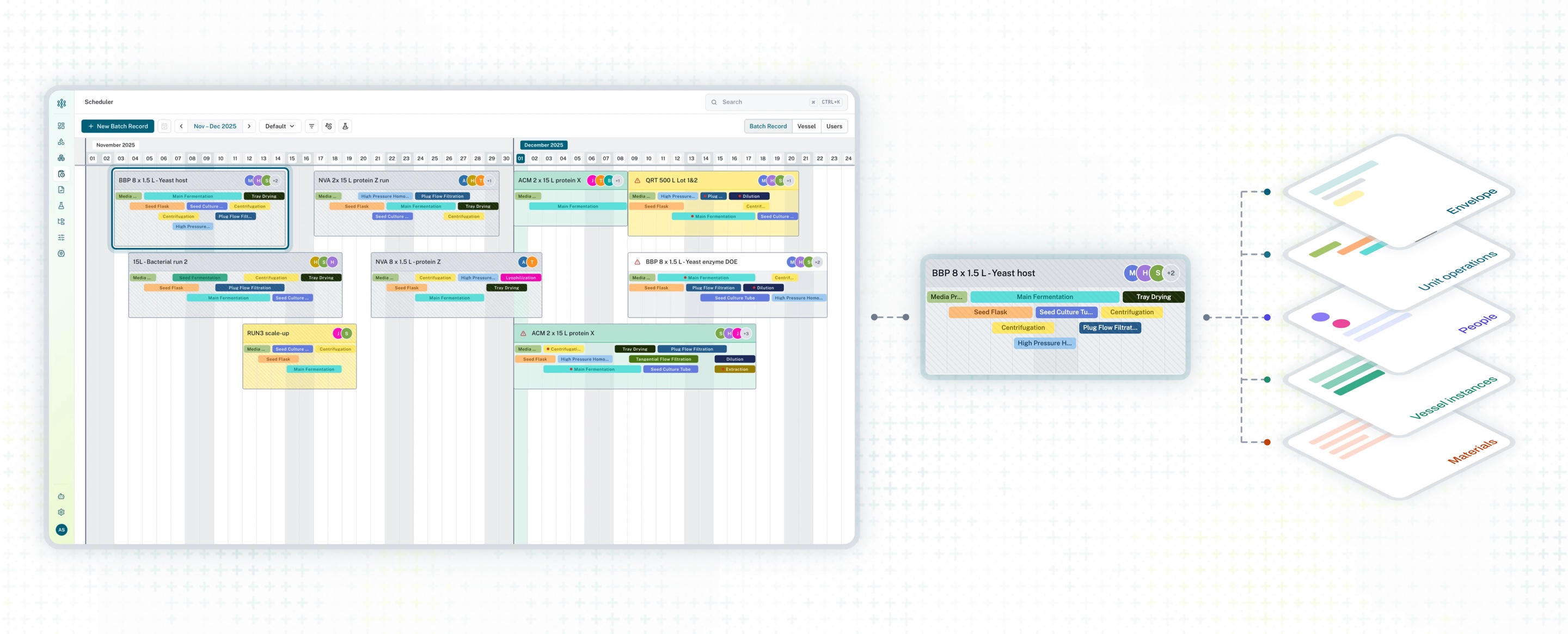
A standalone calendar is just a UI layer; the harder path was making the board a direct view of the underlying batch records.
Runs flow through four states: Tentative, Confirmed, In Progress, and Completed. Rather than treating status as a mere display label, it drives the system rules:
- Tentative runs are lightweight. Before confirmation, a run is a tentative plan that only appears on the board. It moves freely and carries a clash flag. The tradeoff is that the board can't hold generic sticky notes—even a placeholder is a real plan with a name and dates, created in one step.
- Confirmation creates the record. Confirming the run is the exact moment real vessel instances are generated. It runs as a wizard showing what it is about to create—never a silent click.
- Confirmed runs warn, but never block. From then on, the board is simply a view of the record. Move a card, and the batch record moves. Moving a confirmed run shows a specific warning naming the clash but offers a "Move anyway" option—labs are messy, so nothing is ever blocked.
(Note: I pushed back on a requested "Soft hold" status when it became clear it offered no functional difference from "Tentative," keeping the mental model lean.)
Availability on the board, not in a panel
Leave, holidays, and half-days sit in a strip aligned to the board's days. Leave turns red when it overlaps assigned work. In the next iteration, selecting a run filters the strip to its specific people and equipment; dragging greys out unavailable days and exposes the earliest possible start.
Templates and copies keep the timing
Previously, templates stored no dates, so every step landed on day one. Now, both paths share one rule: saving a template or copying a run records each step's offset from the run's start, along with its duration. Creating from a template or copying a run then places every step on the new dates automatically.
What's next
- Disruption tracking. The time-off strip currently covers people only, causing maintenance to be logged as fake steps inside runs. Next is a unified strip for all disruptions (people, equipment, sites), expanding in three levels so it never crowds the board. It will remain neutral grey by default, turning red only on a real clash.
- Dependencies. Introducing step dependencies so that during runs one step can automatically snap to start when another completes.